Rollback handlers in Jitterbit App Builder
Introduction
Rollback handlers are action handlers that are registered when an action completes successfully. If an action fails, an event’s rollback handlers will execute in reverse order starting with the rollback handlers from the last successful action.
Note
A rollback handler can reverse the effect of any action that came before it, except for itself.
How to add a rollback handler to an action
To add a rollback handler, follow these steps:
-
On the Rule Event Details page for a rule event, click the Open record icon in the Actions section for the action that requires a rollback.
-
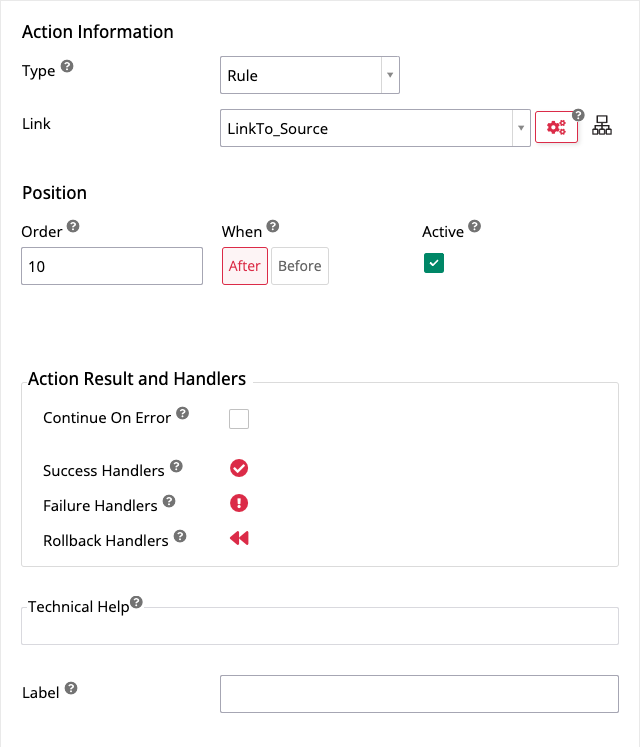
In the Action (Registration) dialog, click the Rollback Handlers icon in the Action Result and Handlers section:
-
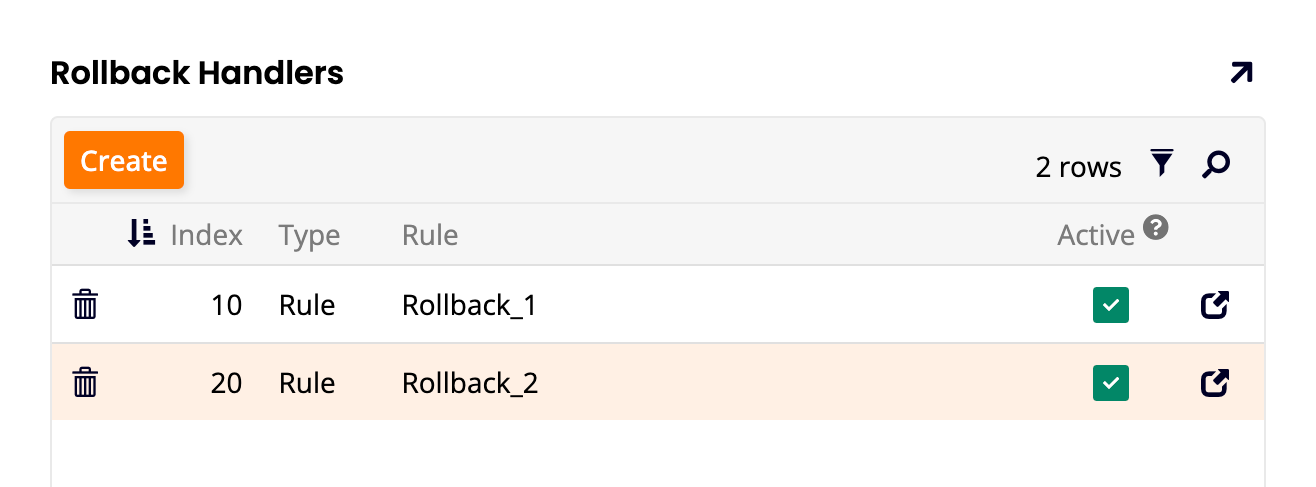
In the Rollback Handlers dialog, click the Create button. For as many rollback handlers as are required to reverse all the actions in the preceding event chain, register existing or create new handlers:
Note
You can't add a rollback handler to a rollback action.
-
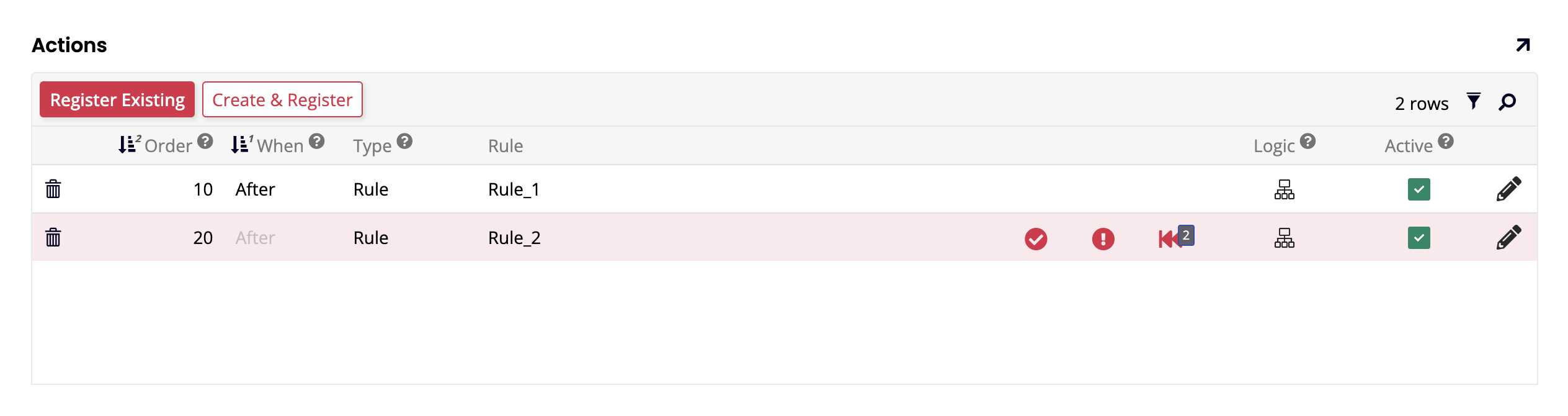
Close all dialogs and return to the Rule Event Details page. The number of rollbacks attached to each action appears adjacent to the icon: