Manutenção do Sistema
A caixa de diálogo Manutenção fornece ferramentas para gerenciar recursos em nível de servidor. Para abri-la, navegue até IDE > Configurações Adicionais > Manutenção do Sistema.
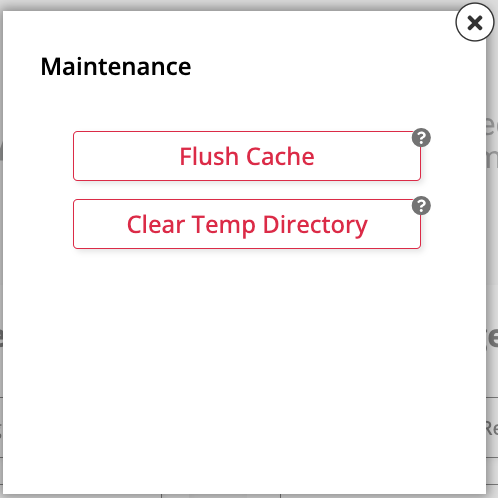
A caixa de diálogo possui duas ações:
-
Limpar Cache: Envia um sinal de limpeza para todos os servidores de aplicação, fazendo com que eles removam todos os objetos armazenados em cache localmente. Use isso para forçar os servidores a recarregar dados da fonte. Como os caches precisam ser aquecidos após serem limpos, espere uma queda temporária no desempenho após a limpeza.
-
Limpar Diretório Temporário: Envia um sinal para todos os servidores de aplicação, fazendo com que eles excluam todos os arquivos e pastas em seu diretório temporário local. Isso remove arquivos remanescentes de operações de construção e instalação de pacotes. Como a exclusão ocorre imediatamente, evite usar isso enquanto uma construção ou instalação de pacote estiver em andamento.