On-click events in Jitterbit App Builder
On-click events are events that trigger when a user clicks a record in a grid, tile, or lane panel. You configure on-click events in the Live Designer using the Control Events dialog.
Configure an on-click event
To configure an on-click event:
-
Navigate to the page that contains the panel you want to configure, then open the Live Designer. Alternatively, go to App Workbench > Pages and open the page's edit screen.
-
Click the panel.
-
In the panel options, click More.
-
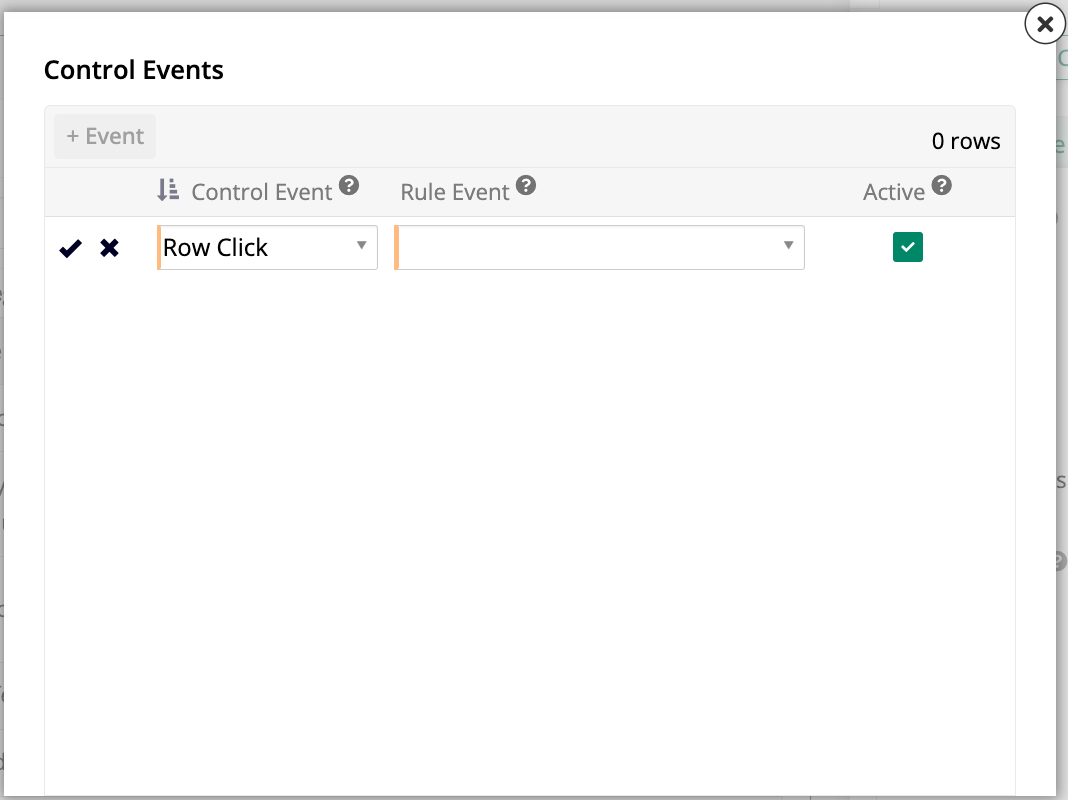
From the list that appears, click Events. The Control Events dialog opens.
-
In the Control Event column, use the dropdown to select Row Click.
-
In the Rule Event column, select the rule event to invoke when a user clicks a record.
-
Confirm that the Active toggle is enabled.
-
Click to save the configuration.
When a user clicks a record in the panel at runtime, the selected rule event is invoked.